Packing Life - Tactile puzzle work and quiet hope as you build a better future, one box at a time. (Game Review)
I shoved a lamp into a box, hearing it land with a satisfying thunk, and smiled. Packing Life takes the simple, often dull task of packing and turns it into a clever little puzzle that hits a surprisingly satisfying spot.

Arrange. Create. Live.
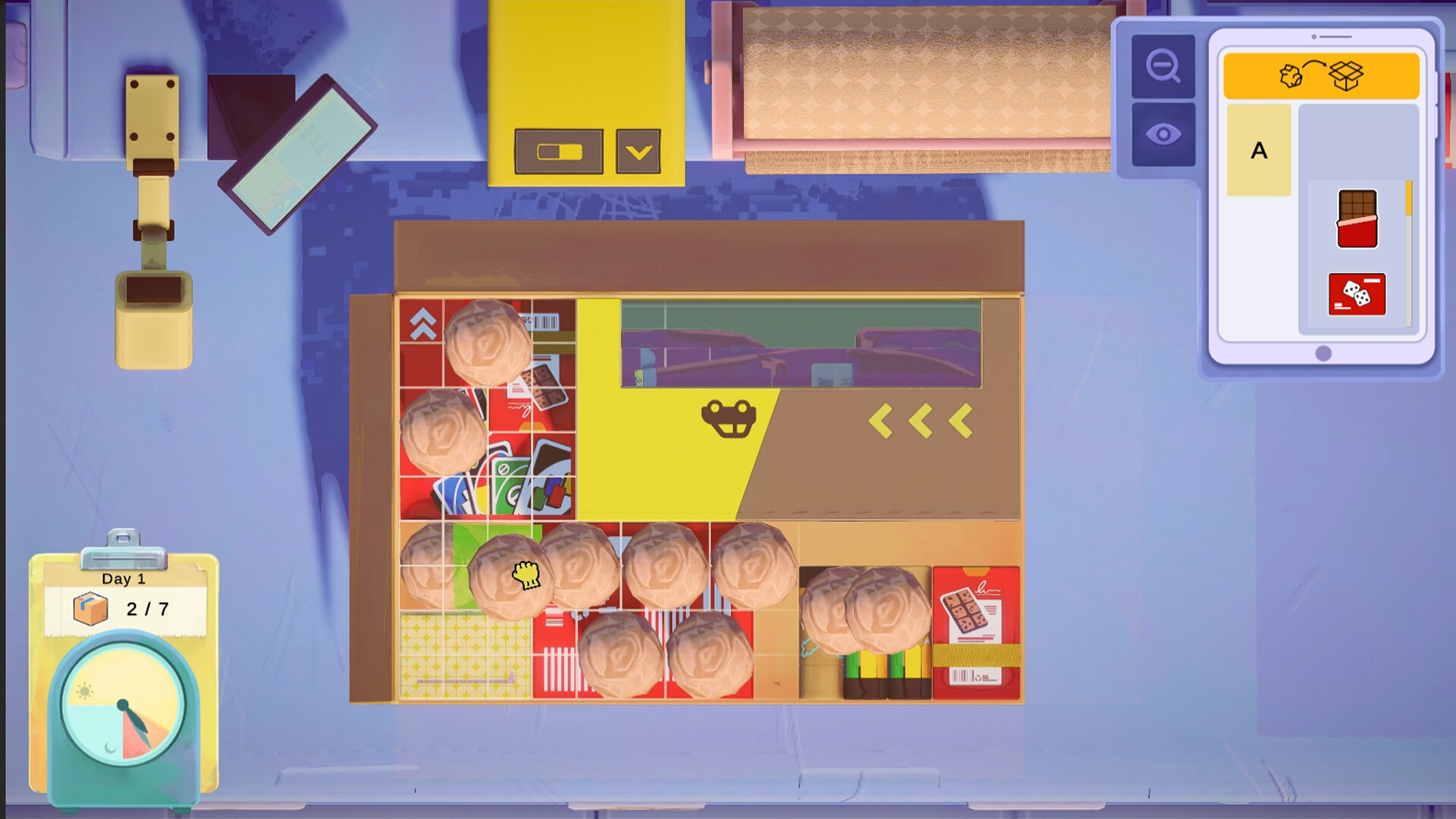
You step into the shoes of a warehouse packer, fitting oddly shaped items into boxes. The challenge is straightforward: rotate, slide, and nest each piece until everything fits just right. Alongside this hands-on puzzle, there’s a gentle, personal story about building a better future.
Packing Life is a cozy puzzle simulator with light storytelling moments. Most of your time is spent arranging items, unlocking stickers, and personalizing your workspace. What sets it apart is the tangible feel… items have weight, placement really counts, and the real joy comes from a neat, efficient pack.
Watch the trailer here:
Look at the box. Figure out the best way. Make everything fit just right.
Every shift, you get a stack of orders to pack. You choose items, turn them around, and fit them into the box. Some orders come with a timer, while others give you time to think. The cycle is quick and satisfying… pack a box, earn rewards, and tackle a slightly tougher challenge next.
At its core, the game is a 3D packing puzzle with simple progression. The main skills are rotating and placing items just right. Decorating your workspace and collecting stickers add little goals beyond packing. The difficulty ramps up gently in relaxed mode and gets sharper when the clock is ticking. To master it, you need to plan ahead and use the whole table without rushing or panicking.
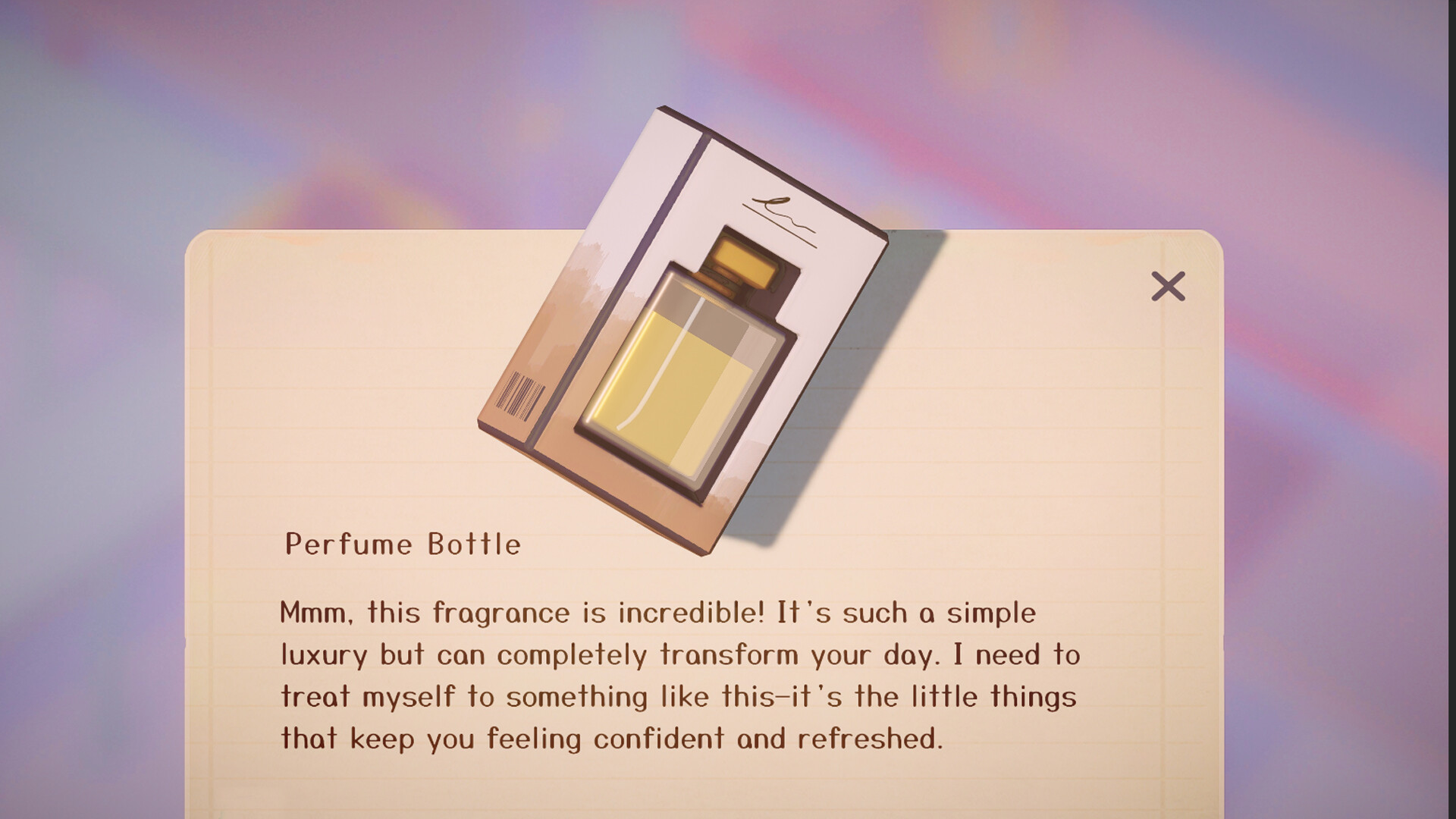
Gentle, neat, and surprisingly soothing.
Soft pastels and simple shapes create a welcoming workspace. Every item is easy to spot, and the studio captured a cozy, laid-back vibe perfectly.
The snap of tape, the rustle of cardboard, and a gentle soundtrack keep things relaxed. Small, satisfying clicks celebrate each perfect placement.
The visuals and sounds are designed to be clear and comforting. The game keeps things simple so you can focus on the puzzles without any flashy distractions.
Focused solo play, with moments worth sharing.
Packing Life is a single-player game with a light social touch: sharing screenshots of perfect packs, collecting stickers, and showing off your best fits.
Replay comes from tackling tougher orders, hunting for stickers, and customizing your workspace. If you like shaving seconds off your time or fitting tricky items into tight spots, you’ll keep coming back for that satisfying feeling. But if you’re after deep systems or long campaigns, this one is short and sweet.
Packing Life is a neat little puzzle with a lot of heart, even if it stumbles here and there.
The core packing feels satisfying, and the art and sound create a pleasant atmosphere. However, the controls and camera could use some refinement… jerky camera movements and tricky item placement sometimes disrupt the flow. If you enjoy gentle optimization and cozy vibes, it’s worth the price; but if you’re sensitive to motion or crave deeper systems, it might be frustrating.
Available on the following platform:
• PC (Steam) - Released on March 6, 2026 at $9.99
Follow the dev for quality‑of‑life fixes and content updates.
Why wishlist:
Wishlist if you like tidy puzzles and cozy sims. Future patches could smooth controls and add more item variety or camera options.
How to stay informed:
Follow Aroko Game Studio on the storefront and social channels for patch notes, hotfixes, and community posts.
Key Takeaways
At its heart, Packing Life is a soothing 3D packing puzzle that feels tactile and satisfying.
The gameplay loop is simple but engaging: rotate, arrange, and fit items into boxes across different shifts.
The warm visuals, gentle soundtrack, and satisfying sound effects create a cozy atmosphere.
Replay value comes from tougher orders, collectible stickers, and workspace customization.
Some rough edges remain, like jerky camera movements, awkward controls, and occasional UI quirks.
This game is perfect for players who enjoy calm, methodical puzzle sims and light optimization challenges.
Overall, it’s a charming, relaxing experience that could shine even brighter with a bit more polish.
Game Information
Developer: Aroko Game Studio
Publisher: Aroko Game Studio
Platforms: PC (Reviewed)
Release Date: Mar 6, 2026
Reviewed by: Alissa Worley
Reviewed on: 04/02/2026
Score: 6.0 / 10
Packing Life delivers a satisfying, tactile puzzle experience wrapped in a cozy atmosphere. While the core gameplay and presentation shine, some rough edges in controls and camera hold it back from being truly great. It’s a solid pick for fans of gentle optimization and relaxing sims, but those seeking deeper systems or flawless polish might find it frustrating.
“Packing Life turns a simple task into a quietly rewarding puzzle, with just enough charm to keep you coming back.”